
- Manual-typing invoicing apps like Joist slow down field techs on-site, leading to delayed billing and forgotten parts.
- VoiceInvoice uses trade-smart AI to turn natural speech into professional, itemized PDF invoices in under ten seconds.
- Switching to voice-first invoicing protects profit margins and eliminates the dreaded Friday night paperwork backlog.
It was mid-August in Denver. High 90s. I was crammed inside a cramped, dusty crawlspace trying to diagnose an old 3-ton carrier unit with a miserable SEER rating. My shirt was soaked. My hands were covered in a mix of grease, dust, and rust. I had just finished a tricky blower motor swap and some complex thermostat wiring. My phone screen was smudged with sweat, and my Milwaukee impact driver was hanging from my belt, clattering against my leg every time I moved.
I pulled out my phone to write up the bill. At the time, I was using Joist. Great app on paper, sure. But trying to type out "Replaced blower motor, ran 18/5 thermostat wiring, adjusted fan speeds, and performed safety check" with wet, dirty thumbs on a cracked screen is its own special kind of hell. I kept fat-fingering the letters. The autocorrect kept turning "blower" into "blowfish." I got so frustrated I almost threw my phone at the ductwork. I shoved it back in my pocket, muttered some choice words, and decided I would just "do it later."
That "do it later" is a trap. If you run a mobile service business, you know exactly what I mean. You get home on Friday night, crack open a cold beer, and realize you have a mountain of unbilled work sitting in your head. You start guessing. You forget about the three extra brass fittings you used. You forget about the extra thirty minutes of labor on that stubborn compressor replacement. Your cash flow takes a hit because typing on-site is too much of a pain. That is the exact moment I realized I needed a real Joist alternative.
The Real Cost of Manual Typing on the Job Site
Look, I am not trying to trash Joist completely. It is a solid tool, and over a million contractors use it. But it was designed for an older era of mobile tech. It assumes you have the time, patience, and clean fingers to sit in your truck and type out every single line item. When you are running five HVAC service calls a day, that manual typing bottleneck costs you serious money.
First, it delays your payments. If you do not invoice on-site, you are likely sending bills out days later. That pushes back your accounts receivable timeline and messes up your cash flow. Second, it kills your profit margin. When I was typing bills manually, I constantly left off small parts. A run capacitor here, some copper couplings there, maybe some extra refrigerant recharge on a heat pump. It does not feel like much on a single job, but over a month, those forgotten parts eat directly into your overhead costs.
Pro Tip: Stop relying on your memory for billing. If you do not document the extra parts and billable hours before your truck leaves the customer's driveway, you are giving away free labor. Use our free ROI calculator to see exactly how much cash you are leaving on the table every month.
If you just need a quick fix for scope creep right now, grab our free change order generator. Templates are great, until you have to type on them with dirty, greasy hands in a dark basement. Want to just speak instead? That is why I swapped manual tools for VoiceInvoice.
How AI Invoicing Solved My Friday Night Paperwork Nightmare
I stumbled across VoiceInvoice while searching for hands free invoicing software on an HVAC forum. The concept sounded too good to be true: you just talk to your phone, and the AI builds a professional PDF invoice for you. I was highly skeptical. I figured it would struggle with trade terms like "evaporator coils," "mini-splits," or "SEER ratings."
But I signed up for the free trial anyway. No credit card required, which is a big plus in my book. The next day, I had a job fixing a noisy outdoor condenser. I finished up, tapped the microphone button in the app, and said: "Bill John Doe for a residential diagnostic fee of ninety-nine dollars, a new dual run capacitor for forty-five dollars, and one hour of labor at one hundred and twenty dollars."
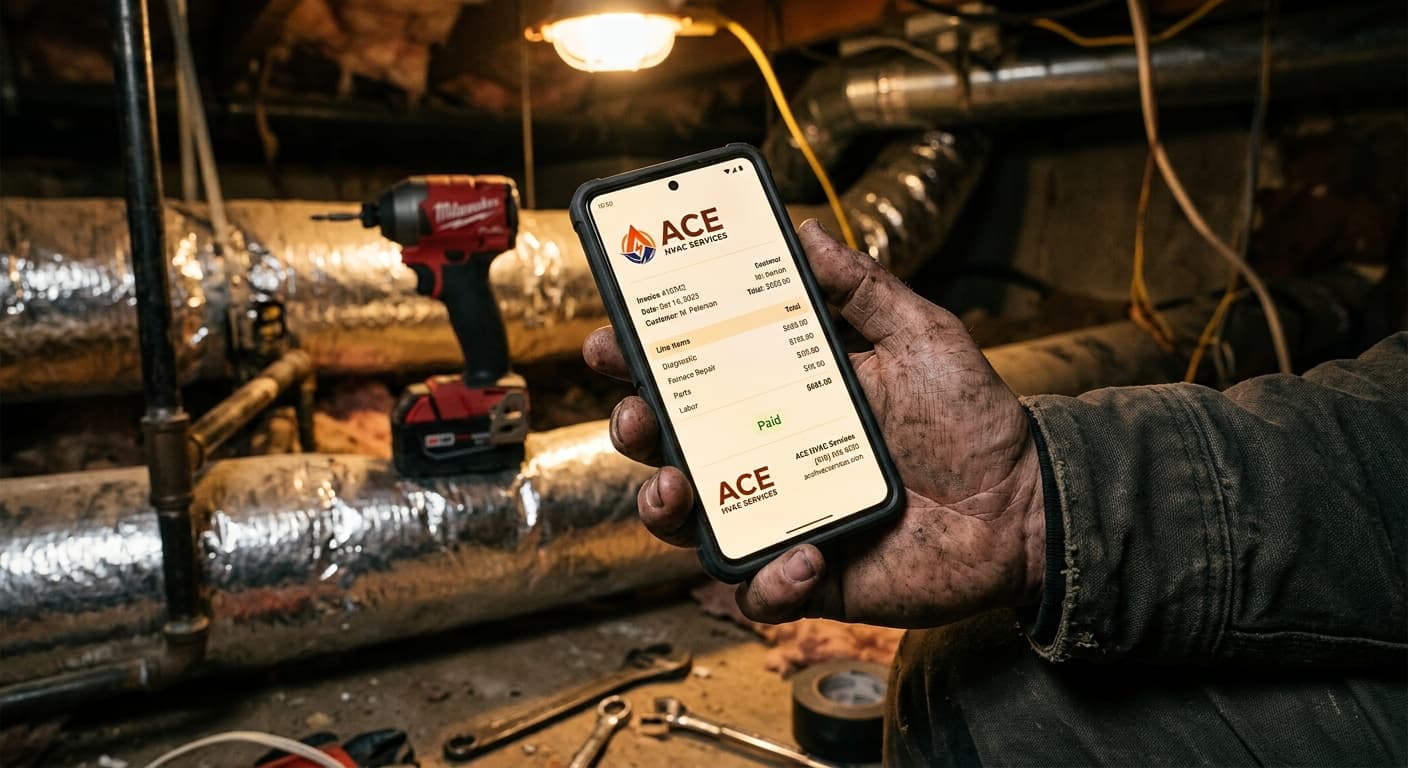
I watched the screen. In about three seconds, the app parsed my spoken words and generated a perfectly formatted, itemized invoice. It did not just transcribe my voice; it actually understood the context. It put the diagnostic fee in one line, the capacitor in another, and the labor hours in a third, complete with taxes and totals. I hit send, and the client had a professional PDF link in their text messages before I even started my truck. They paid via the integrated digital payment gateways before I reached the main highway.
Joist vs VoiceInvoice: Why I Actually Switched
When you compare Joist vs VoiceInvoice, the biggest difference is not a checklist of bloated features. It is all about the workflow friction. Here is how they stack up in the real world:
1. The Typing Tax
With Joist, you are constantly pinching, zooming, and typing on a tiny screen. If you have mud on your screen or you are wearing gloves, it is a nightmare. VoiceInvoice is built for hands-free speed. It is literally four times faster than manual typing. If you can send a voice note to a friend, you can invoice a client.
2. Rigid Editing Policies
One of my biggest gripes with Joist and other apps like Invoice2go was how rigid they are. If a client signs an estimate, making a minor, quick change to the invoice on-site can be incredibly annoying. VoiceInvoice is highly flexible. You can speak a quick correction, and the AI updates the PDF instantly.
3. Bloat and Cost
Platforms like Jobber or Housecall Pro are great if you have a massive fleet of trucks, but they cost between $50 and $200 a month. They are packed with scheduling and dispatching features I simply do not need as a local operator. I just wanted something that does one thing incredibly well: get me paid. VoiceInvoice costs a flat $15 a month for unlimited invoices, and they even have a free forever plan that gives you 5 invoices per month. It easily pays for itself by capturing just one forgotten brass fitting or extra fifteen minutes of labor.
Pro Tip: If you are working with commercial clients who demand Net 30 terms, make sure your payment links are front and center on the PDF. VoiceInvoice integrates directly with Stripe and Venmo, which drastically cuts down on late fees and awkward follow-up calls.
How It Works: The 10-Second Invoicing Workflow
If you are worried about the learning curve, do not be. This tool was designed for field techs, not software engineers. The process is dead simple:
- Talk: Tap the microphone icon inside the app. Speak naturally. Say something like, "Cleaned the evaporator coils on the mini-split, added two pounds of R-410A refrigerant, charge three hundred and fifty dollars total."
- Review: Watch the AI instantly organize your raw voice note into a clean, professional PDF invoice with separate line items.
- Send: Send the payment link to your client via text or email right there on the spot.
This workflow works just as well for a plumber fixing a leaky drain, an electrician wiring a subpanel, a landscaper billing for a spring clean-up, a cleaner managing residential accounts, or a operator running a tow truck at 2 AM. When your hands are busy, your voice is your best business tool.
The Verdict: Get Your Weekends Back
I used to spend my Sunday mornings drinking cheap coffee and staring at a stack of crumpled paper receipts, trying to piece together my weekly billing. It felt like unpaid overtime. It drained my energy and made me dread the administrative side of running a business.
Now, my invoices are done before I even close the van doors. My cash flow is the healthiest it has ever been, my tax deduction tracking is simplified, and my customers love the quick, professional digital receipts. If you are tired of typing on sticky screens, do yourself a favor and try a voice-first approach. Your hands, and your bank account, will thank you.
— Sarah Chen, HVAC Technician, Denver, CO. HVAC specialist and certified NATE technician. Runs a family business with her brother. Tech nerd who tests every new app.