
- Free Download: Grab our quick transport LR copy format in Word to handle standard cargo and haul billing.
- The Friction: Editing a Word document on a phone with grease on your hands during a roadside emergency is a nightmare.
- The Smart Move: Swap the manual typing for a voice-first system like VoiceInvoice to bill on the spot.
- Better Cash Flow: Stop waiting to get back to the office; send professional PDFs before you even drop the hook.
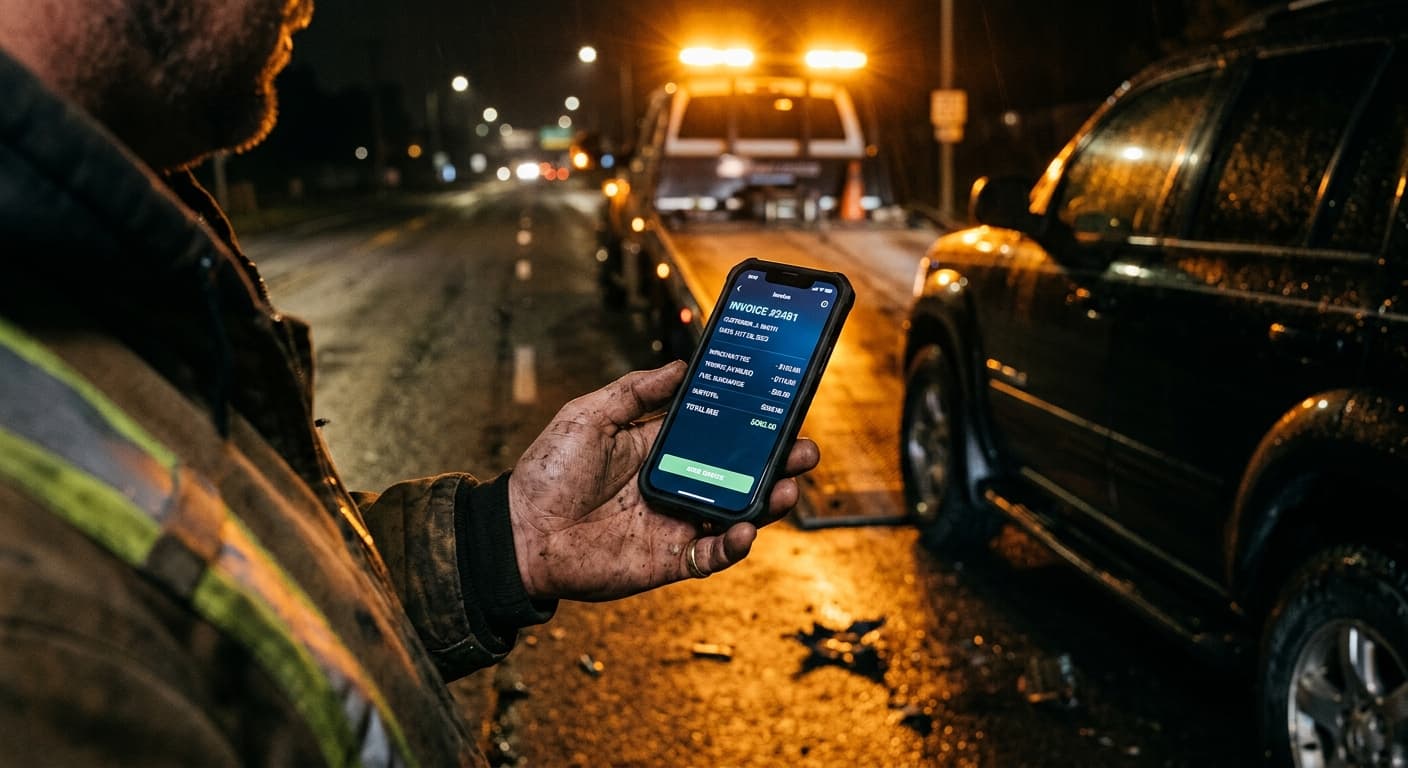
It was 2:15 AM last Tuesday. I was out on a dark stretch of the I-15 near Apex, right in the middle of a messy winch-out. A heavy-haul flatbed load had slid off the shoulder into the soft sand. The driver was stressed. His dispatcher was blowing up his phone demanding a transport bill format and a signed lorry receipt before they'd authorize the hook-up fee and my mileage charge. He didn't have a printer. I didn't have a clean piece of paper in my cab that wasn't covered in hydraulic fluid.
In the transport game, a Lorry Receipt (LR) is your lifeline. It's the physical proof that you took the cargo, hauled it, and delivered it. Without a clean transport LR copy, your accounts receivable sits in limbo. You're left chasing dispatchers for weeks, praying they don't hit you with late fees or claim you never showed up. But trying to fill out a template on a tiny screen in the middle of a dusty highway? That's a different kind of pain.
I've been running tow trucks in Las Vegas for over twenty years. I've seen guys try every paperwork hack in the book. Today, we're giving you the free Word template you searched for. But more importantly, I'm going to tell you why you should stop typing these files manually while sitting in your cab.
Free Transport LR Copy Format in Word (Download Link)
If you just need a quick, standard document to keep a broker quiet, we've got you covered. You can download our direct, clean template right here:
👉 Download the Free Transport Bill Format & LR Copy Template
Here's the thing: templates are great, until you have to type on them with grease-stained hands after swapping a heavy-duty tire. If you're tired of pinching and zooming on a cracked phone screen in the middle of a busy loading dock, there is a better way. You can generate professional, clean invoices and receipts in ten seconds flat using your voice. Check out our Free Invoice Generator or download VoiceInvoice to start speaking your bills instead of typing them.
Pro Tip from Ray: Never leave a recovery site without a signed transport document. If you're doing a police rotation tow or an impound release, get the driver or officer to sign the digital receipt on your screen. If you wait until you get back to the yard, people magically forget who authorized the winch-out.
What Belongs in a Professional Transport LR Copy?
A good transport document isn't fancy. It just needs to protect your cash flow and keep your records clean for tax deduction season. If you are customizing our Word document, make sure you don't delete these core fields:
- Consignor & Consignee Details: Who is shipping the load, and who is taking delivery at the end of the run.
- Lorry Receipt Number: A unique tracking sequence to manage your accounts receivable.
- Vehicle Registration Number: The license plate or unit number of your flatbed, rig, or tow truck.
- Description of Goods: Be specific. Don't just write "stuff." Write "1 Unit - 2018 Peterbilt 389 Cab."
- Charge Breakdown: Clearly separate your flatbed load rate, fuel delivery fees, dolly tow charges, and any lockout fee or jump start labor.
- Terms of Payment: State clearly if it is Net 30, COD, or subject to late fees after a specific date.
If you're a mobile service provider, you know how quickly these details change. You arrive for a simple tire change, but find out the customer also needs a jump start and a winch-out. If you're using a rigid Word file, you have to rebuild the whole table on your phone. It's slow, and it costs you money when you forget to bill for those extra services.
Why Word and Excel Templates SUCK on the Road
Let's be completely honest. Microsoft Word was built for people sitting in air-conditioned offices drinking expensive coffee. It wasn't built for a plumber crawling under a wet sink, an electrician up on a ladder, or a tow operator standing in a gravel yard in 105-degree Vegas heat.
When you open a Word document on your phone, the columns slide around. The font gets tiny. You accidentally double-tap and delete the whole footer. You try to type the customer's company name, but your keyboard auto-corrects it to some gibberish. By the time you fix the layout, you've wasted fifteen minutes of billable hours that you could have spent driving to the next roadside assistance call.
And what about your profit margin? Every minute you spend fighting with a Word template on your phone is a minute you aren't booking new jobs. If you run a crew of landscapers or HVAC technicians, teaching them to edit Word files on their personal phones is a losing battle. They'll end up losing track of receipts, forgetting overhead costs, and killing your cash flow.
Pro Tip from Ray: If you use manual templates, you'll eventually lose a dispute because of messy handwriting or an unreadable PDF layout. Invest in a tool that creates clean, standardized digital files. It's the cheapest insurance policy your business will ever buy.
The Competitor Landscape: Rigid Tools vs. Voice Speed
There are plenty of apps out there promising to solve your billing headaches. But most of them miss the mark for guys who actually work for a living.
- Invoice Simple: They bait you with a cheap entry price, but their system gets expensive fast, and canceling your subscription is a massive pain.
- Joist: A decent tool, but it's incredibly rigid. If you get a client signature on a tow ticket and then need to add a quick fuel delivery charge, the app locks you out from making quick edits.
- Housecall Pro & Jobber: These are bloated field service platforms. They cost upwards of $100 a month and force you to set up complex schedules, customer maps, and marketing funnels. If you're a small haulage outfit or a house cleaner, you don't need all that bloat. You just need to send a bill and get paid.
That's why VoiceInvoice takes a different approach. Instead of forcing you to type out lines of text, you just tap the microphone icon and talk. You say: "Flatbed load from Henderson to North Las Vegas, hook-up fee seventy-five bucks, twenty-two miles at four dollars a mile, plus a thirty-minute winch-out."
The AI instantly translates that voice note into a professional PDF bill. It calculates the totals, formats the line items, and gives you a clean link you can text directly to the customer's phone before you even drop their vehicle.
The Real Cost of Delayed Billing
When I first started towing, I kept all my receipts in a dusty manila folder on my dashboard. I'd tell myself I'd write up the formal invoices on Sunday night. But Sunday night would roll around, and I'd be exhausted. I'd forget about a twenty-mile tow here, or a lock-out fee there. I was bleeding money because of "memory-dependent billing."
If you don't bill on-site, your accounts receivable balloon. Customers take longer to pay when they get a bill three days after the job is finished. But when you send the invoice while you're still standing in front of them, they pay immediately via your payment gateways. VoiceInvoice lets you link directly to Stripe or Venmo, meaning you can collect payment before you even put your keys back in the ignition.
Get Started for Free
You don't have to take my word for it. VoiceInvoice has a free forever plan that lets you send up to 5 professional invoices every single month. No credit card required, no hidden fees, and no high-pressure sales calls. It's built for guys who work with their hands and hate admin work.
Go ahead and download the Word template if you're stuck at a desktop. But if you're ready to reclaim your weekends and put more cash back into your bank account, give VoiceInvoice a try tonight. Your thumbs will thank you.
— Ray Gutierrez, Tow Truck Operator, Las Vegas, NV. Owner-operator running two flatbeds. Handles roadside emergencies, repo work, and police rotation tows. Bills on the spot or not at all.